An image color finder reads a selected point in a picture. To get a color code, open the free Photo picker, choose a supported image and select the point you want. Read or copy the HEX, RGB and HSL values beside the preview. The result describes the displayed sRGB preview, not an independently measured color of the photographed object.
Use the free image color picker
Start with the original image
Use the source photo or artwork if you have it. A screenshot of a compressed copy may already contain changed or blended pixels.
Choose your image in the Photo picker
Open the linked browser tool and select Use your image. It accepts JPG, PNG, WebP and AVIF files up to 15 MB, subject to the decoded-image limit.
Select a representative point
Click or tap a clear area. On a keyboard, focus the image and use the arrow keys; hold Shift for larger steps.
Copy the value you need
Read the selected swatch and choose Copy next to HEX or RGB. Use in converter opens the same color in the Converter tab.
What the browser tool reads
The picker selects a pixel from its displayed image preview. It processes the selected file in the browser rather than uploading it to a server. Large images are reduced to a longest edge of 2,000 pixels before sampling, so tiny details can become blended in the preview.
Use a solid part of the subject when possible. If a very thin line matters, start with a tightly cropped source image or the design value itself. The preview is a useful sampling surface, but it is not a promise to preserve every original high-resolution pixel.
HEX and RGB describe the same screen color
A six-digit HEX code represents the red, green and blue channels. RGB writes those channel values as decimal numbers. For the same sRGB color, #245BE8 and RGB 36, 91, 232 are two notations for the same values.
Use HEX when a website or design field asks for a code beginning with #. Use RGB when it asks for three channel values. Converting the notation does not make the source photograph a more accurate measurement of a real object.
Avoid edges, highlights and compression noise
An edge can contain the subject and background mixed together. The same is true around text, soft shadows and semitransparent artwork. Select the interior of a broad, uniform area when the goal is to reuse its main color.
For natural photos, sample several nearby spots and decide what they represent. A shadow color and a sunlit color may both belong to the same object, but they serve different purposes in a palette.
How to use Color Identifier for this task
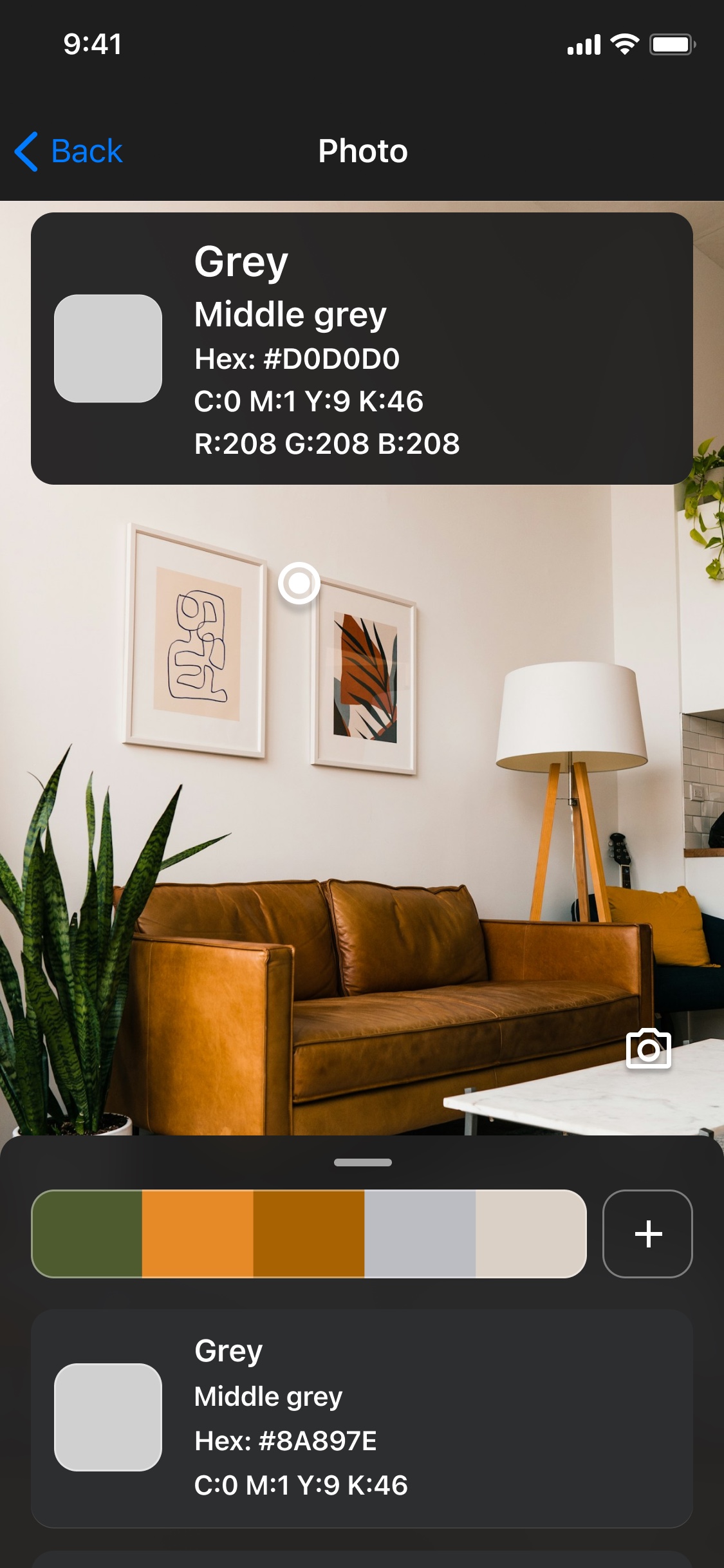
- Open the photo in Color Identifier when you want the mobile workflow.
- Zoom or scroll to the relevant area and select a color.
- Read the color name and supported values.
- Save the useful color in the app or add it to a named palette for later.
Keep the colors you will use again.
The browser is useful for a quick code. The app adds a mobile workflow for photos, camera references and saved collections.


The browser tools are free. Mobile features, limits and purchases depend on the current app and platform.
Questions about color picker from image
Can I get a HEX code from an image for free?
Yes. The browser Photo picker and Converter are free and need no sign-up. This is separate from mobile app purchases and limits.
Is my image uploaded to a server?
The current browser picker processes the selected file locally. The image is not uploaded or added to browser palette storage.
Does the free picker show a color name?
The browser picker currently shows codes. For descriptive names alongside color values, use the mobile app’s supported identification workflow.