Know your
colors
Your color identifier app.
 Camera & photos
 HEX & RGB codes
 Saved palettes


Free download · In-app purchases available.
Try the free color toolsColor tools. Everyday uses.
Pick a color
from a photo.
Room inspiration
Art & mood boards
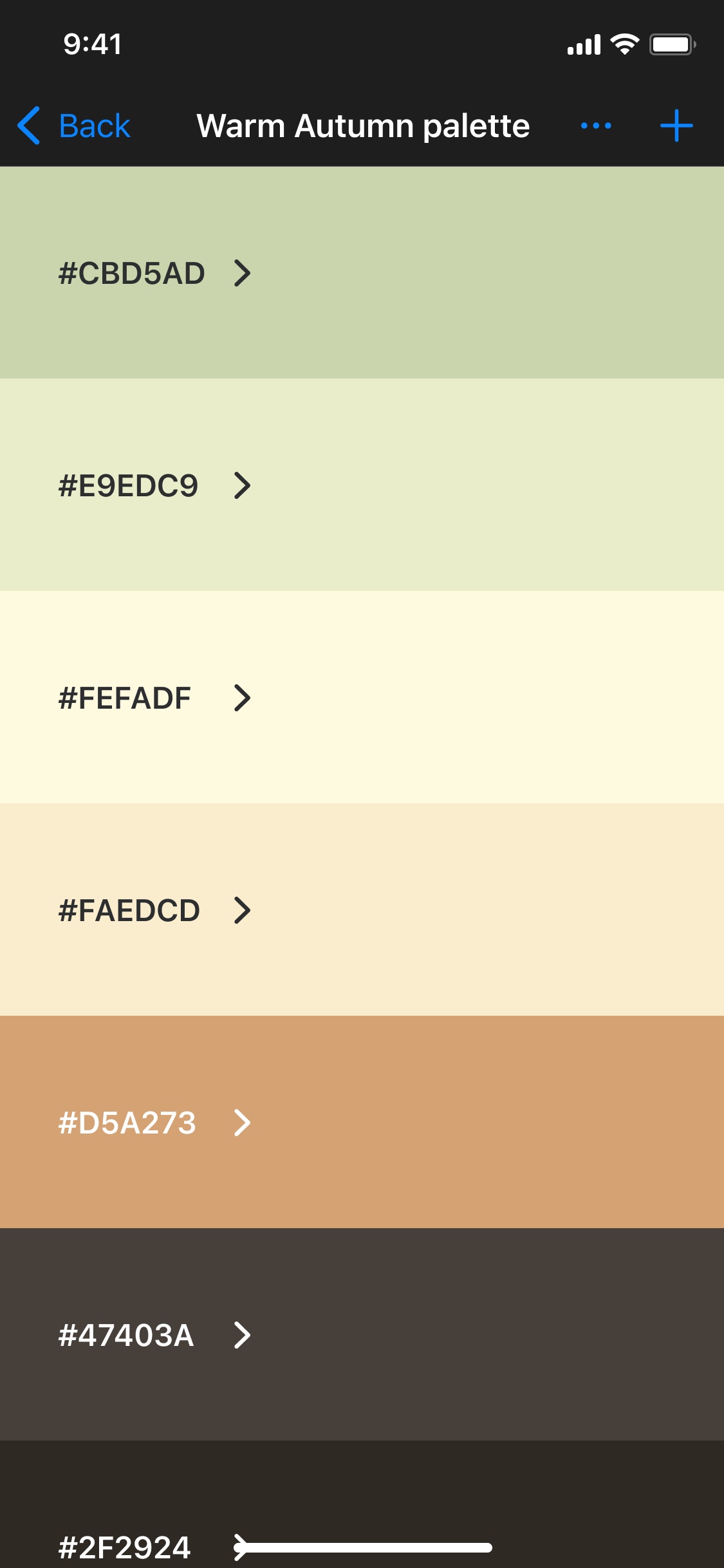
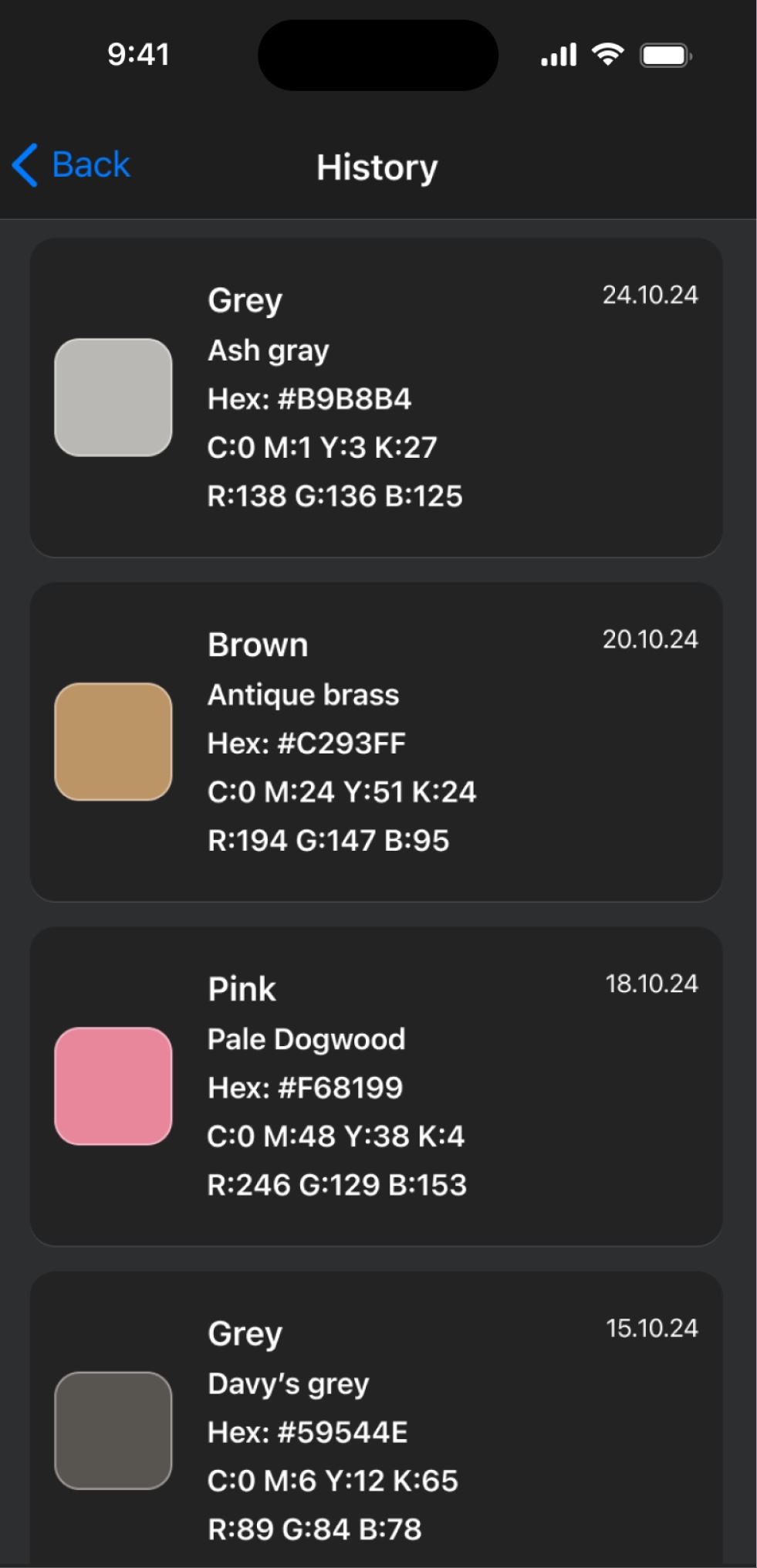
Save a color.
Find it again.
Project references
Favorite shades
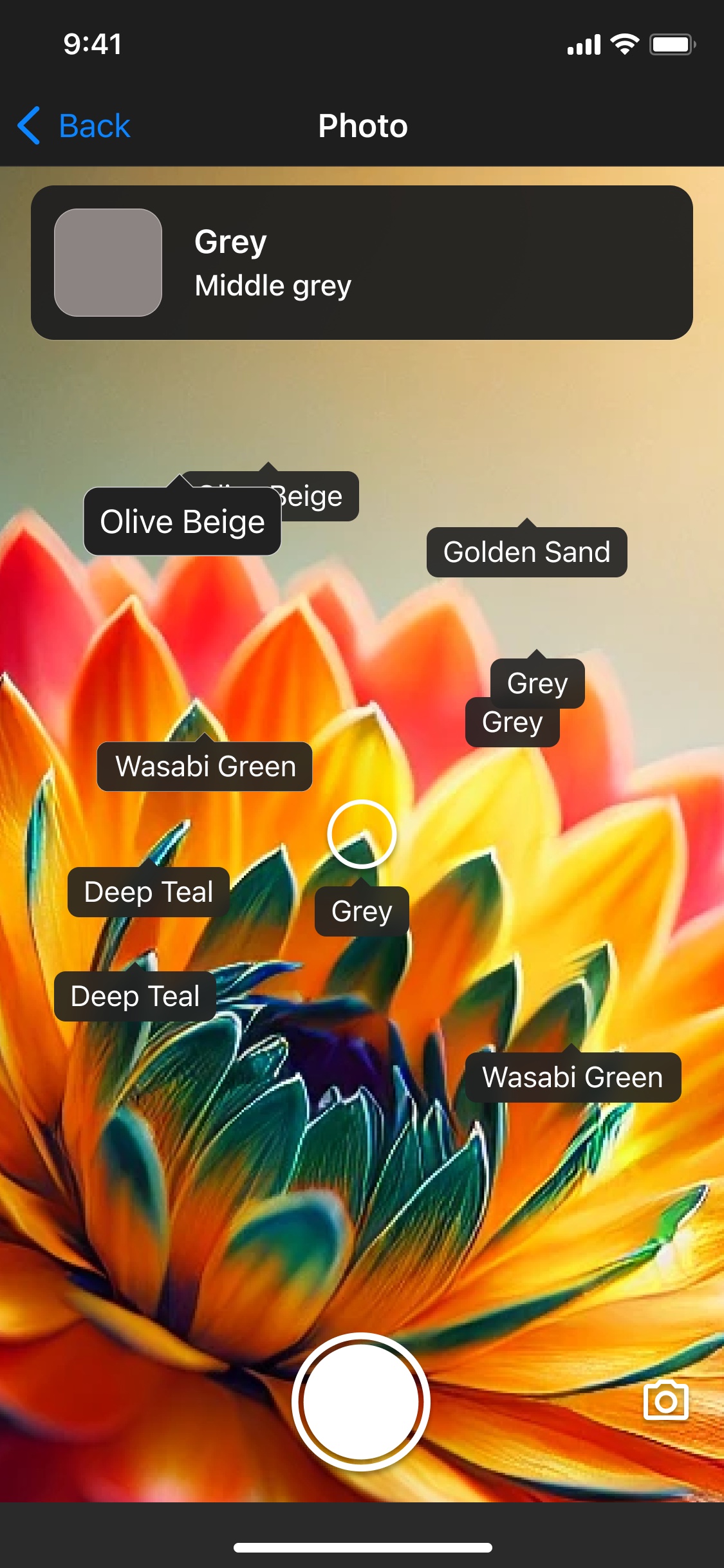
Colorblind mode.
Names on objects.
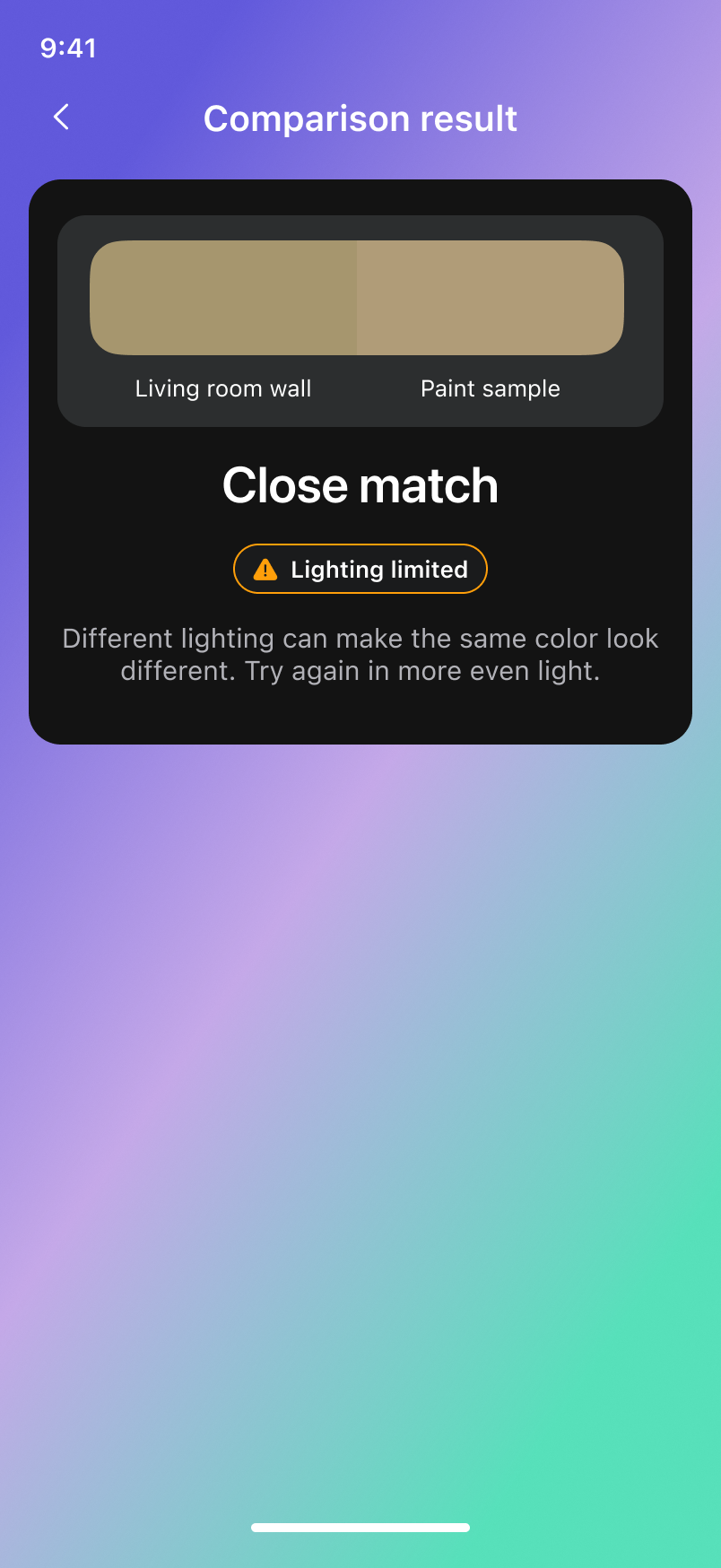
Save a color here.
Compare it there.
Different lighting can make the same color look different. Try again in more even light.
Comparison screen · design example

Explore color
in your room.
Concept preview

Official RAL partner.
Find a RAL color code in the app.
Free color picker. Codes and palettes.
Color picker from image.
Image formats & privacy
JPG, PNG, WebP or AVIF · Up to 15 MB · Your image stays in this browser.
Large images are resized to 2,000 px. Values describe the displayed sRGB preview.
Selected color
Try the example, or choose a photo of your own.
HEX, RGB, HSL & CMYK.
#245BE8
CMYK values are approximate. Printed results depend on the ink, paper and color profile.
Create a color palette.
Select any color to make it your own.
Your saved palettes 0
Saved only in this browser. Clearing site data removes them.
How it works.
Color guides. Pick your task.


What would you like to know?
Camera & photos
Can I save a color and compare it somewhere else later?
Use Compare Colors in the supported iPhone app to save a reference, then open it later and scan another sample. Review the two recorded colors with the similarity result and lighting guidance. Different capture conditions make this an estimate, not a guarantee of a physical match.
Learn moreHow do I identify colors in real time with my camera?
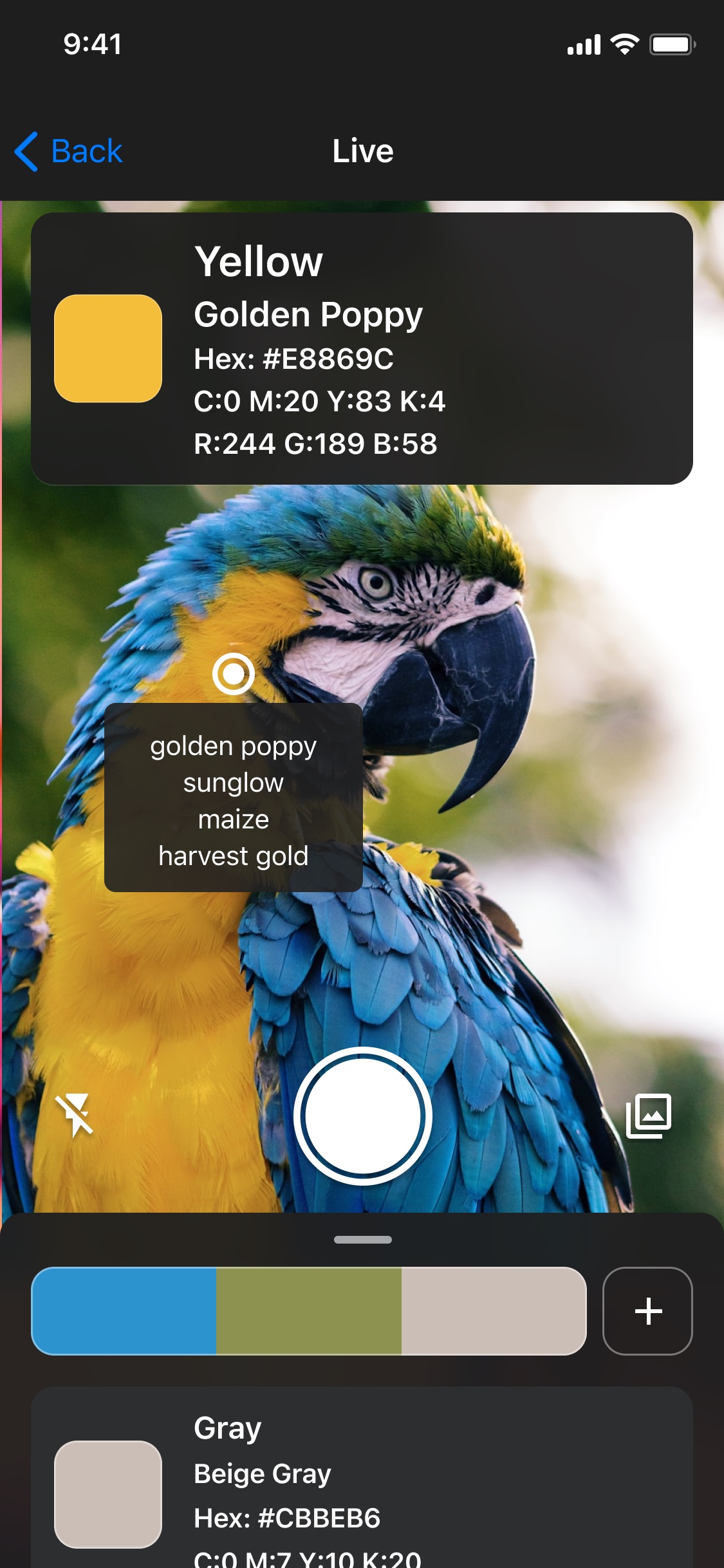
Open camera identification in Color Identifier and aim at a surface. Read its basic name, a detailed name from 800+ shades, and HEX, RGB and CMYK values as the view updates. Use the flash on supported hardware and save colors as you scan. Save limits and in-app purchases apply; lighting affects the recorded color.
Learn moreHow can I get a HEX code from an image for free?
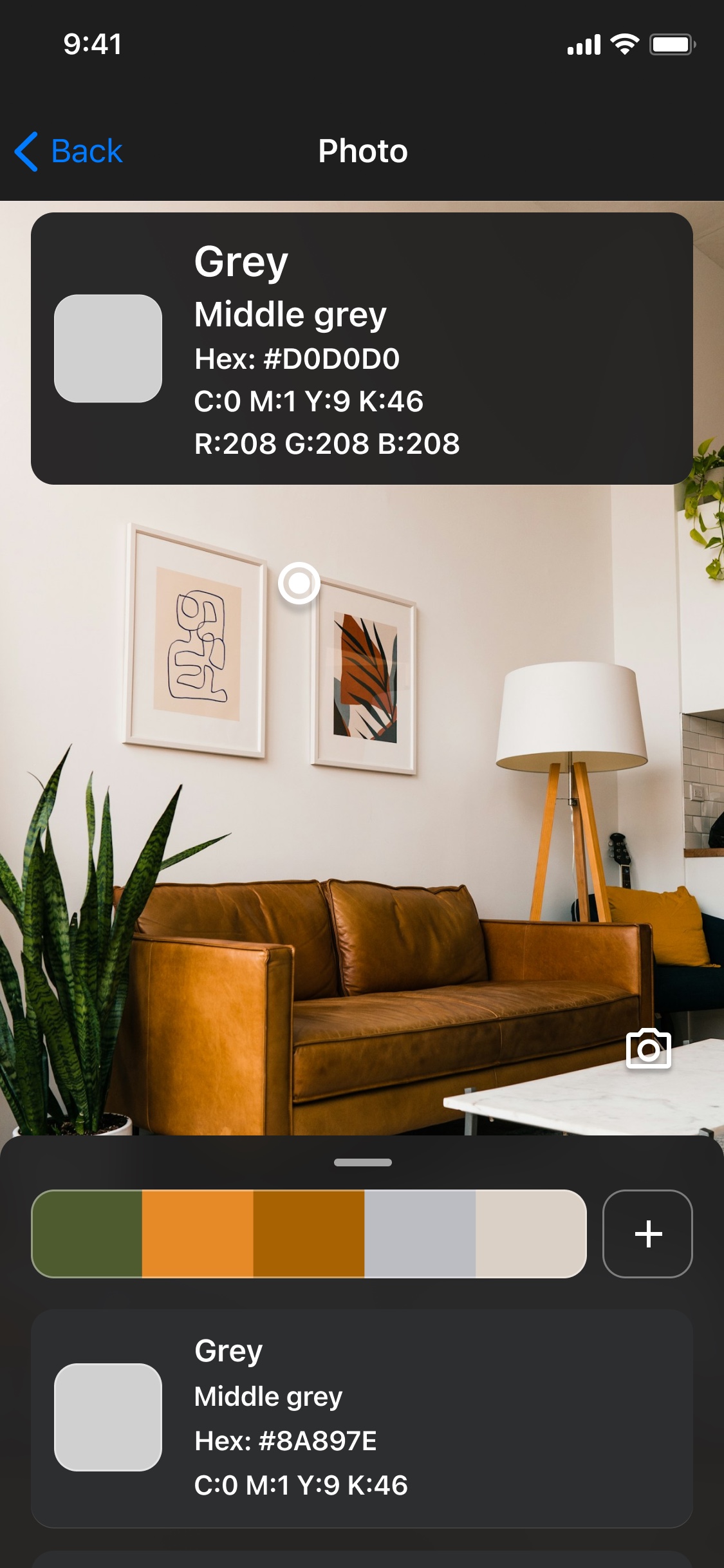
Open the free Photo picker, choose a supported image and select a point. The panel shows its HEX, RGB and HSL values with copy buttons. The browser tools need no sign-up; they sample the displayed image preview.
Learn moreHow do I find the name of a color in a picture?
Select the relevant area in the mobile app and read its descriptive color name alongside the code. A common color name helps describe a shade, but it is not a unique paint formula. The free browser picker currently gives codes rather than names.
Learn moreCan I pick a color from a screenshot?
Yes. Save the screenshot as a supported image and open it in the picker. Sample a solid area rather than the edge of text or an icon. The result describes a screenshot pixel and may differ from the original design value.
Learn moreHow do I create a color palette from a photo?
Choose several useful points from the photo and collect their codes. In Color Identifier, add selected colors to a named palette. In the browser, use the Palettes tab to edit five swatches and save the collection on that browser.
Learn moreCodes & palettes
Can I convert a color and copy its code into another app?
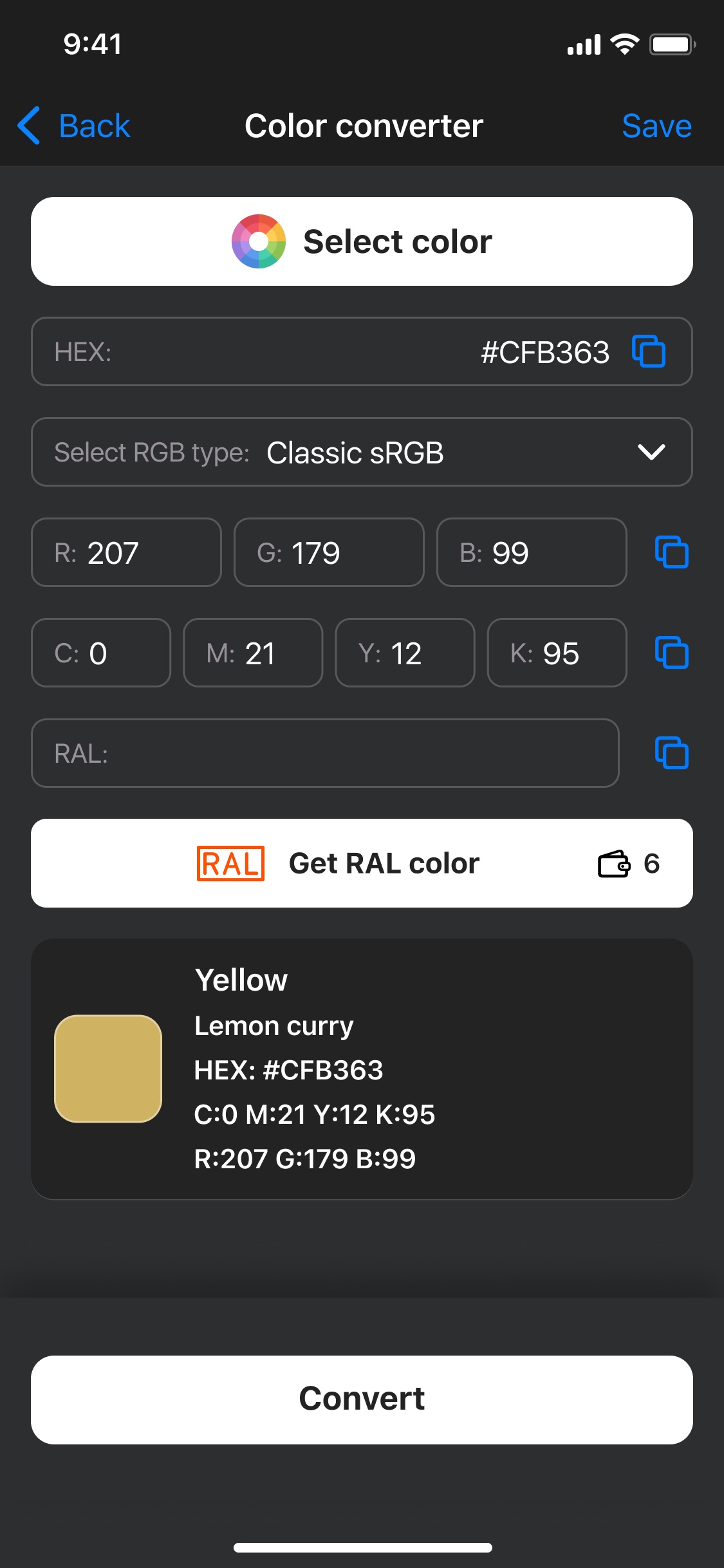
Yes. In the iPhone Color converter, pick a color or enter a value, convert it and copy the HEX, RGB or CMYK result. Paste it into a compatible field in another app. The iPhone converter also offers sRGB and Adobe RGB options; the free browser tool has its own simpler conversion workflow.
Learn moreHow do I use a HEX or RGB color picker online?
Open Converter and choose Edit color for the browser’s native visual picker, or enter a supported HEX/RGB value. Copy the result beside the swatch. Use Photo picker when the shade is inside an existing picture.
Learn moreHow can I generate a color palette from one color?
In the iPhone app, select a color, open palette generation and choose 1–5 colors. Compare Complementary, Analogous, Triadic, Tetradic and Monochromatic styles. Use a palette for interiors, branding, web design, art or outfit planning. The free browser tool separately offers three presets with five swatches.
Learn moreCan I change the number of colors in a palette?
Yes. The iPhone generator offers 1–5 colors per suggested palette. Saved iPhone collections can contain up to 12 colors; that is a separate limit. The browser palette editor uses five swatches. App saving limits and in-app purchases may apply.
Learn moreHow do I plan room or bedroom color combinations?
Start with a material you intend to keep, collect approximate reference colors and choose a wall direction plus supporting accents. Use the palette as a planning aid, then compare physical paint and fabric samples in the room.
Learn moreHow do I convert HEX to RGB?
Split a six-digit HEX code into red, green and blue pairs and convert each pair to decimal. For example, #245BE8 is RGB 36, 91, 232. The free converter also accepts RGB input and shows the corresponding HEX value.
Learn moreWhy does an RGB-to-CMYK conversion look different in print?
RGB and CMYK describe different output processes. This browser converter provides approximate CMYK percentages, while production printing depends on the printer, ink, paper and ICC profile. Use your printer’s required workflow for final artwork.
Learn moreApp & accuracy
How do I see how close a sample is to my saved color?
Save a reference in Compare Colors, then scan another sample later. View the recorded colors side by side and read the similarity verdict with lighting guidance. Reference details keep HEX, RGB and CMYK values; closeness is an estimate, not a guarantee of a physical match.
Learn moreCan I get a RAL color code in Color Identifier?
Yes. Color Identifier is a RAL partner and offers licensed RAL code lookup in the app. Select a color and use the RAL option; access may require an in-app purchase. A camera-derived reference does not prove the original paint formula or an exact physical match. The free website tools do not include RAL lookup.
Learn moreHow does Colorblind Mode name colors on iPhone?
Read simple color names without code clutter. Use the center picker to place multiple AR labels at selected points in the scene. They remain at scene coordinates while tracking is available, rather than following moving objects.
Learn moreIs there a color identifier app for iPhone?
Color Identifier is available on the App Store. Use a camera or a photo to inspect a color, read its name and values, and save useful colors. The app is free to download with in-app purchases; the browser tools are free.
Learn moreIs Color Identifier available for Android?
Yes. Color Identifier Color Finder is available on Google Play from AppCraftingMinds. Its listing describes camera color detection, color names and saved palettes. Check the store for device compatibility, current features and in-app purchases.
Learn moreCan a phone identify the exact paint on my wall?
A phone can record an approximate color reference, but an ordinary photo does not establish a paint brand, formula or reliable touch-up match. Use the app to collect a reference, then compare physical samples or ask a paint specialist.
Learn moreTake the color finder with you.
Your next color
is out there.
In-app purchases available. Features vary by platform.